How to Create and Sell Your First Online Course on Skite
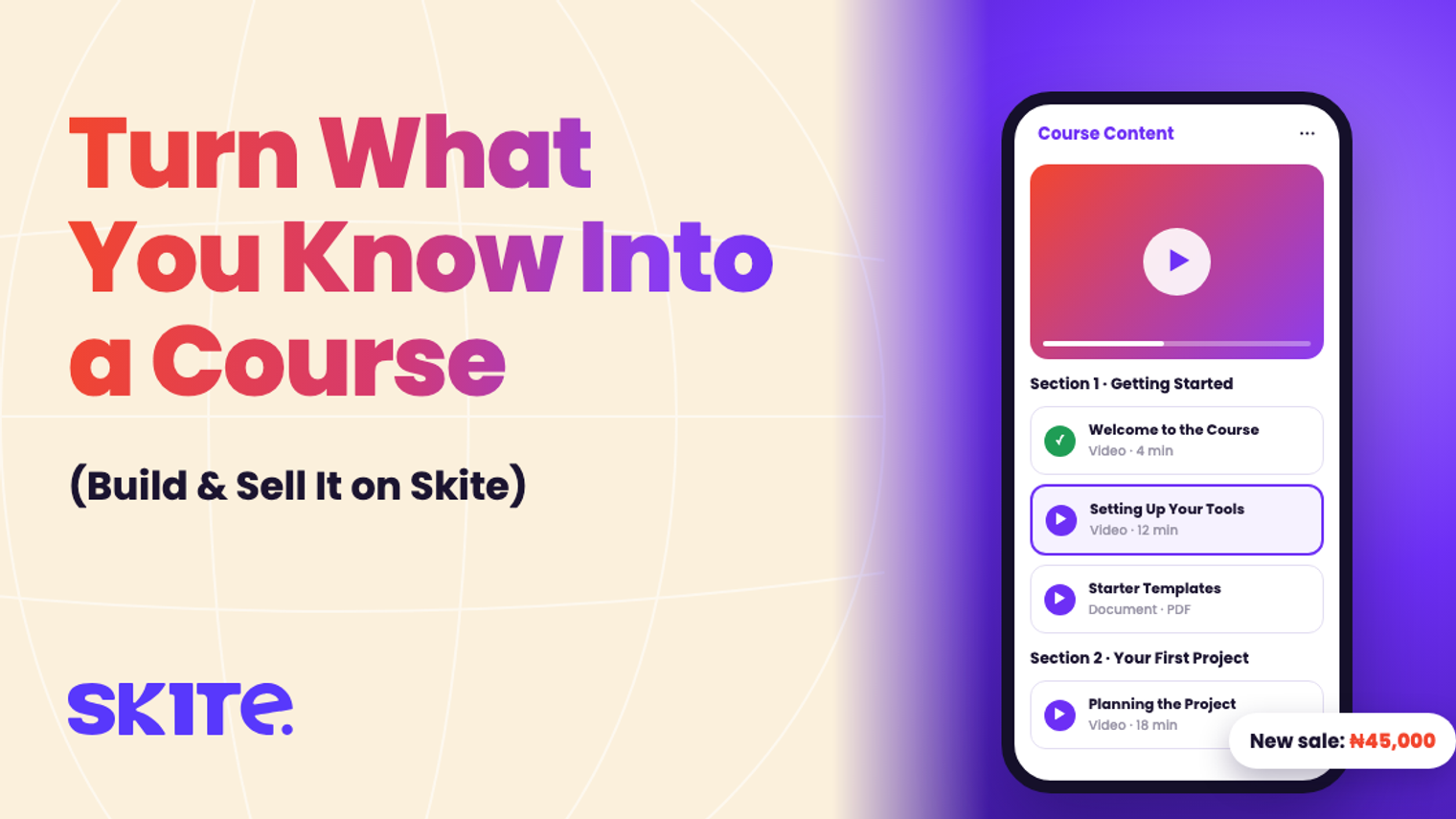
A course is the easiest way to earn while you sleep: you record it once, and it sells again and again. With Skite Digital Products & Courses, you build it, host it and sell it from your own store, without separate tools for hosting, payments and delivery.
1. Plan before you record
Pick one clear result your student will get, for example “Edit your first YouTube video in a weekend”. Break it into 3–5 sections, each with a few short lessons. Short lessons (5–15 minutes) get finished; long ones get abandoned.
2. Create the course
In your dashboard, go to Products → Add Product → Course. Add:
- Course title: make it promise the result.
- Course Description: who it’s for and what they’ll be able to do.
- Cover Image: the first thing buyers see on your store.
- Product Price: in NGN or USD. Turn on the striked-out original price to show a launch discount.
Click Next Step.
3. Add sections and lessons
Give each section a name, for example “Getting Started”. Inside it, click Add Content for each lesson:
- Content title and an optional description.
- Content Type: Video for lessons, or Document for workbooks, templates and slides.
Use Add Section to keep going, then click Create Course. Skite hosts everything securely.
4. Share and sell
Your course appears on your Skite store straight away. Share the link in your bio, your WhatsApp status and your newsletter. Buyers pay, and they get instant access. No manual sending, no Google Drive links.
5. Your students learn
Students open the course from their Skite dashboard, move through your sections lesson by lesson, and download any documents you’ve added. Once they’re done, they can Leave a Review, and good reviews on your course page help sell the next copy.
What it costs
Nothing upfront. Skite keeps 5% + ₦50 per sale, and your earnings go to your Skite wallet, ready to withdraw.
Quick tips
- Launch before it’s perfect. Your first students will tell you what to improve.
- Make lesson one a quick win. Early progress keeps people watching.
- Add a workbook or template. A downloadable extra makes the course feel worth more.
Learn more about Digital Products & Courses on Skite.
Ready to start earning?
Set up your Skite hub, launch your first offer, and get paid.
Get started for free